
Custom Pickleball Paddle Artwork: Identify Each Face in the Proof
Define each paddle face, its artwork file and revision, then keep layout decisions separate from supplier scope and physical sample acceptance.

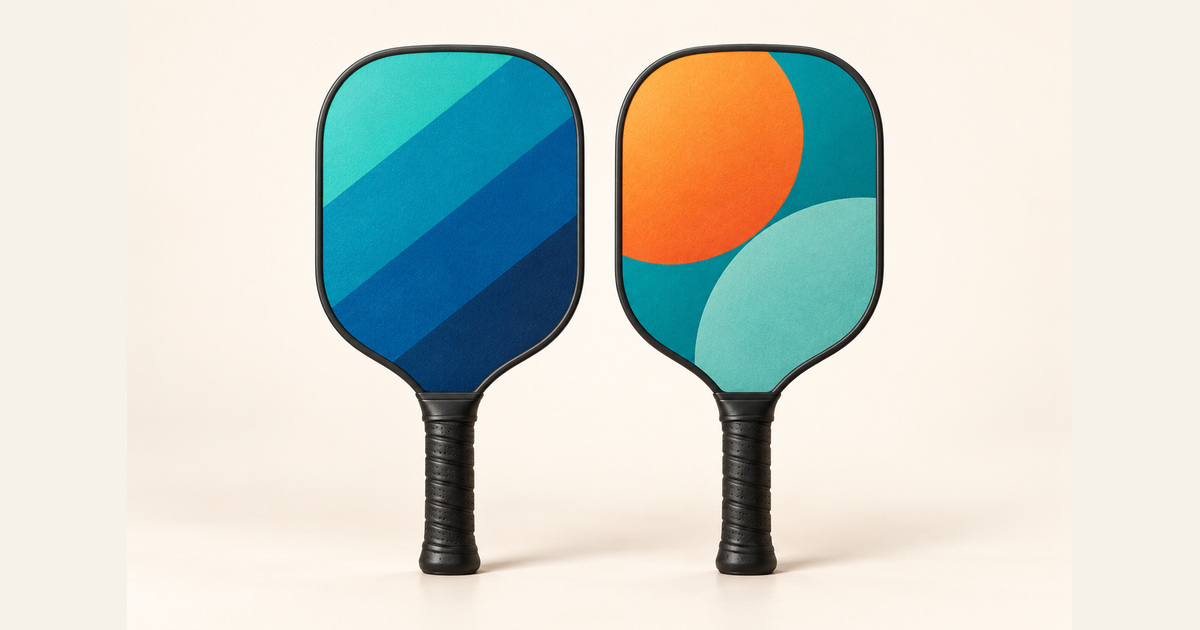
Name each pickleball paddle face and connect it to an exact artwork file before accepting the proof. State whether the requested faces should match, use different artwork or include an unprinted face, then obtain the supplier’s confirmation for the selected paddle. A view of one face cannot define the other.
This guide is for private-label buyers and artwork coordinators preparing a printing brief. It provides a face-by-face handoff record. It does not establish which printing options CFW can supply, how a finished surface will perform or whether a model has sporting-body approval.
The featured image is a generated editorial illustration of two face views, not a supplied paddle pair.
Name the faces and define the reference view
Use Face A and Face B as agreed working names for the two physical faces of one paddle configuration. Put a marked reference view beside each name. For example, the parties might agree to show each face with the paddle head above the handle. That is a project convention, not a universal manufacturer’s rule.
Explain how the second view corresponds to the physical paddle. Do not rely on words such as front, back, left or reverse without a marked view. A second file may be intentionally different; it should not be mirrored, rotated or copied merely because someone assumes that is how the paddle is turned.
Assign the files before reviewing the layout
iMPACT Pickleball’s artwork guidelines distinguish matching artwork, separate designs and a plain face. Its published Build Room text also names Face A and Face B and separate artwork slots. These are two pages from one supplier with a US address, read on 23 October 2026. They illustrate a face-assignment question, not industry consensus, active order availability, a universal viewing direction or CFW’s printing capability.
For your own brief, assign a filename and revision to each requested face. If both faces should use one design, make the shared file reference explicit. If one face is requested without graphics, write that requirement and ask what the supplier can provide. An empty attachment slot leaves the request unresolved.
Ask which artwork template and printable boundaries apply to the selected configuration. Keep essential graphics within the supplier-confirmed area; do not copy another maker’s template or invent a print margin. Record the supplier’s response and exceptions alongside the file, rather than treating the digital layout as a manufacturing commitment.
Use one face-by-face artwork record
The table below is an original buyer-side handoff aid. Complete both face columns for the same model and configuration. Entries describe requirements and requested evidence; they are not a completed CFW proof, a catalogue specification or a confirmed two-face printing service.
| Record field | Face A entry | Face B entry |
|---|---|---|
| Face identity and view | Working name and marked face-on reference view. | Working name and marked view identifying the opposite physical face. |
| Artwork file and revision | Exact source or export filename and revision. | Separate file and revision, explicit shared-file reference or requested unprinted state. |
| Placement and orientation | Artwork position and direction in the agreed view. | Its own position and direction; no assumed mirroring or rotation. |
| Coverage and exclusions | Requested coverage and supplier-confirmed template or reserved areas. | Requested coverage and any different boundaries or exclusions to confirm. |
| Print and finish scope | Proposed print/finish description and supplier response for this face. | Proposed print/finish description or unprinted finish request and supplier response. |
| Proof and sample evidence | Proof version and dated sample-view reference, when supplied. | Corresponding proof version and sample-view reference, or evidence still required. |
| Decision and change owner | Accepted, revise or not verified; owner and open action. | Its own decision, owner and open action; identify any shared change. |
Keep the full record with the artwork files. A proof image helps people review the layout; the record identifies which file, face and decision that image represents. When either file changes, identify the affected face and obtain a response before carrying forward the earlier decision.
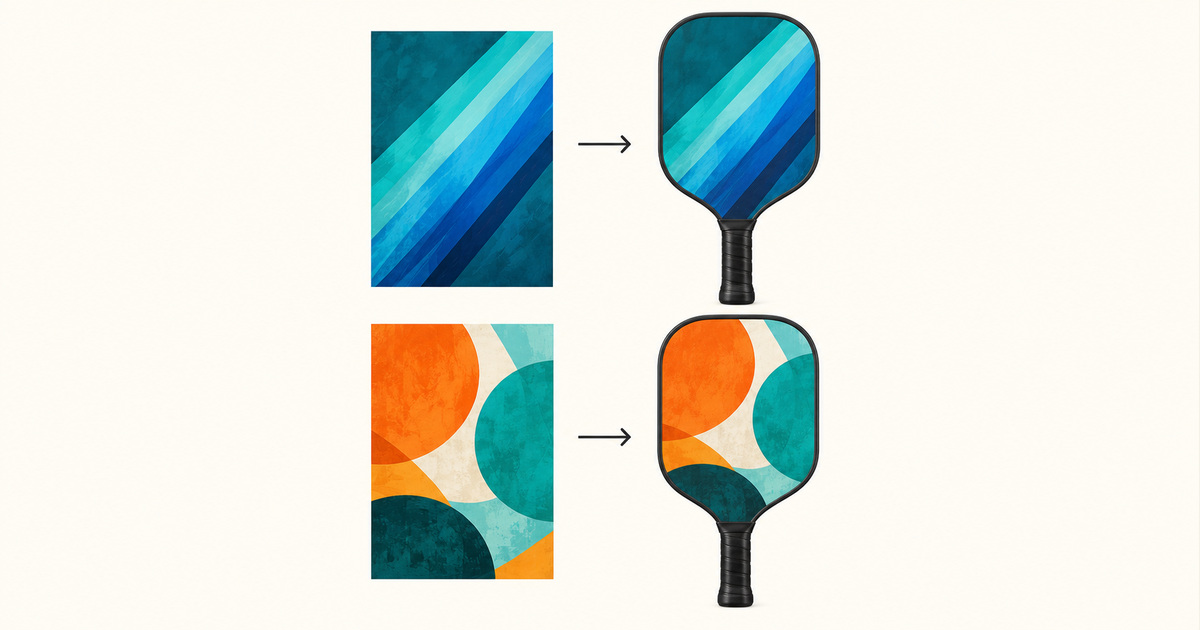
Separate layout acceptance from the physical sample
A digital proof and a finished sample answer different questions. The proof can document the intended file assignment and layout. Physical sample evidence is needed for any agreed review of the actual printed appearance or finish. Keep those decisions separate instead of using a layout approval to close every sample requirement.
Consider a hypothetical request for a graphic on Face A and a plain Face B. The returned proof shows only Face A. The buyer can review that layout while leaving Face B unresolved. Ask for its intended appearance and supply confirmation; do not infer that an unseen face has been accepted. This is an editorial example, not a CFW order or a promise that either option is available.
For broader sample configuration and sign-off, use the OEM paddle sample-approval checklist. The record here supplies the more specific link between each face, its artwork file and its evidence. It does not verify material construction, surface friction, durability or equipment eligibility.
Confirm the scope for the selected CFW reference
The CFW-3560 listing is a UV-printing enquiry design reference. It asks buyers to identify printable areas, artwork and finish while specifying the base construction separately. The CFW-3544 custom-artwork reference also treats the requested surface finish and construction as matters to confirm.
These references start a discussion; they do not establish a fixed promise to print both faces. Ask CFW to confirm each requested face, its coverage and finish for the exact proposed configuration. Retain any limitations in the quotation and proof record.
Send the face mapping with the enquiry
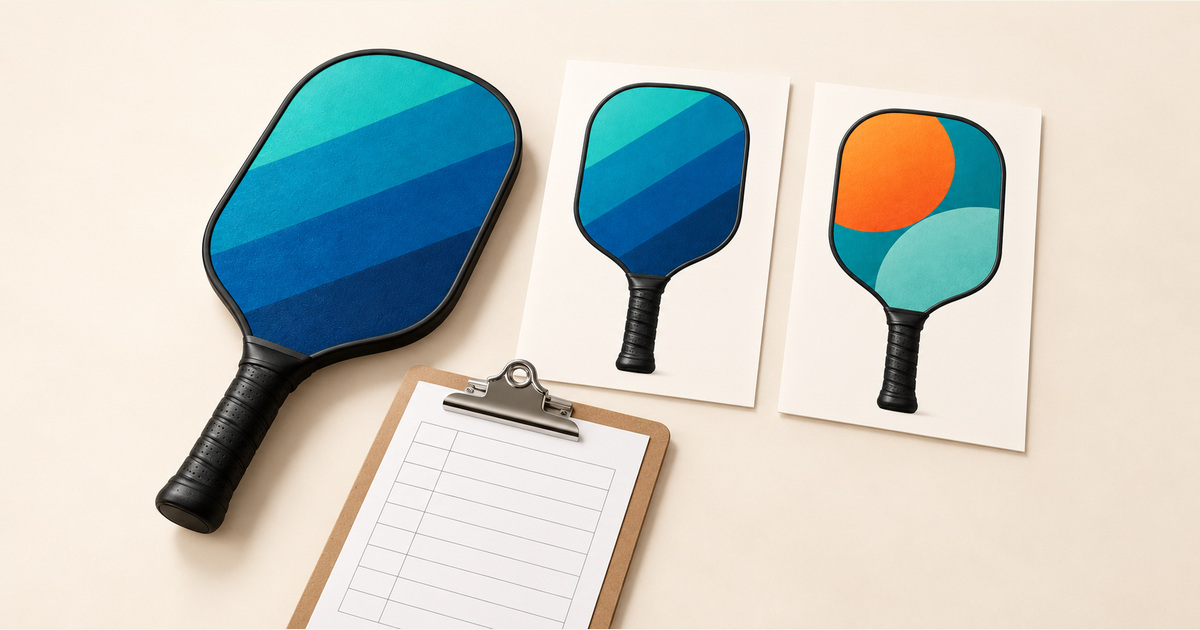
Identify the CFW reference, the proposed paddle configuration and both face requests. Include the marked views, exact artwork filenames and revisions, coverage questions, any physical sample requirements, quantity and destination. Use artwork you have permission to reproduce. Keep unresolved items visible and identify who will approve changes.
Start a CFW-3560 artwork enquiry from the product page, using its quote/contact entry. Identify the files in the message and confirm how to provide them. Request a face-by-face response before treating the printing scope as agreed.
Product and manufacturer guidance checked 23 October 2026. The handoff record and hypothetical example are original editorial synthesis. Any accompanying generated visuals are illustrations, not photographs of a supplied CFW model, completed customer approval, test result or certification.