
Floorball Team Orders: Confirm Blade Side Before Counting Sticks
A practical team-order worksheet for confirming blade side, counting each agreed configuration and matching delivered floorball sticks to player codes.

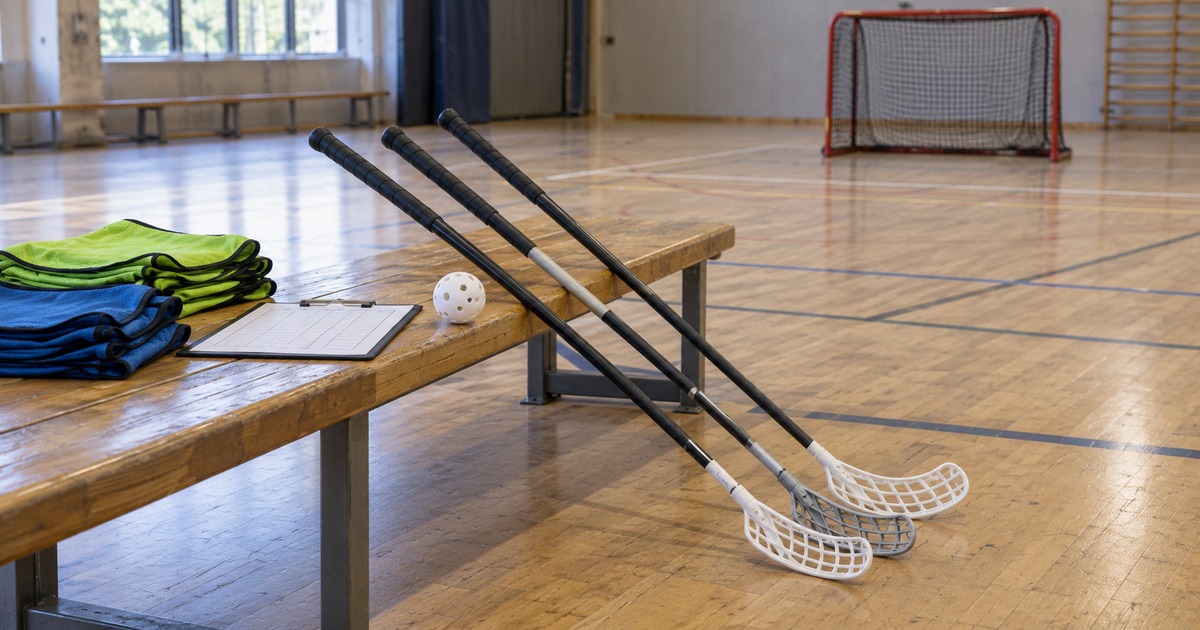
For a floorball team order, confirm each player’s blade side before adding up the quantities. Record the configuration each person has agreed to use, group only identical configurations, and keep those same references for the delivery check and equipment handout.
This guide is for club equipment managers, coaches and team buyers preparing an order of curved-blade sticks. It provides a player-to-order worksheet. Detailed shaft, flex, blade and model requirements belong in the separate floorball stick OEM specification guide.
Confirm the playing side with the player
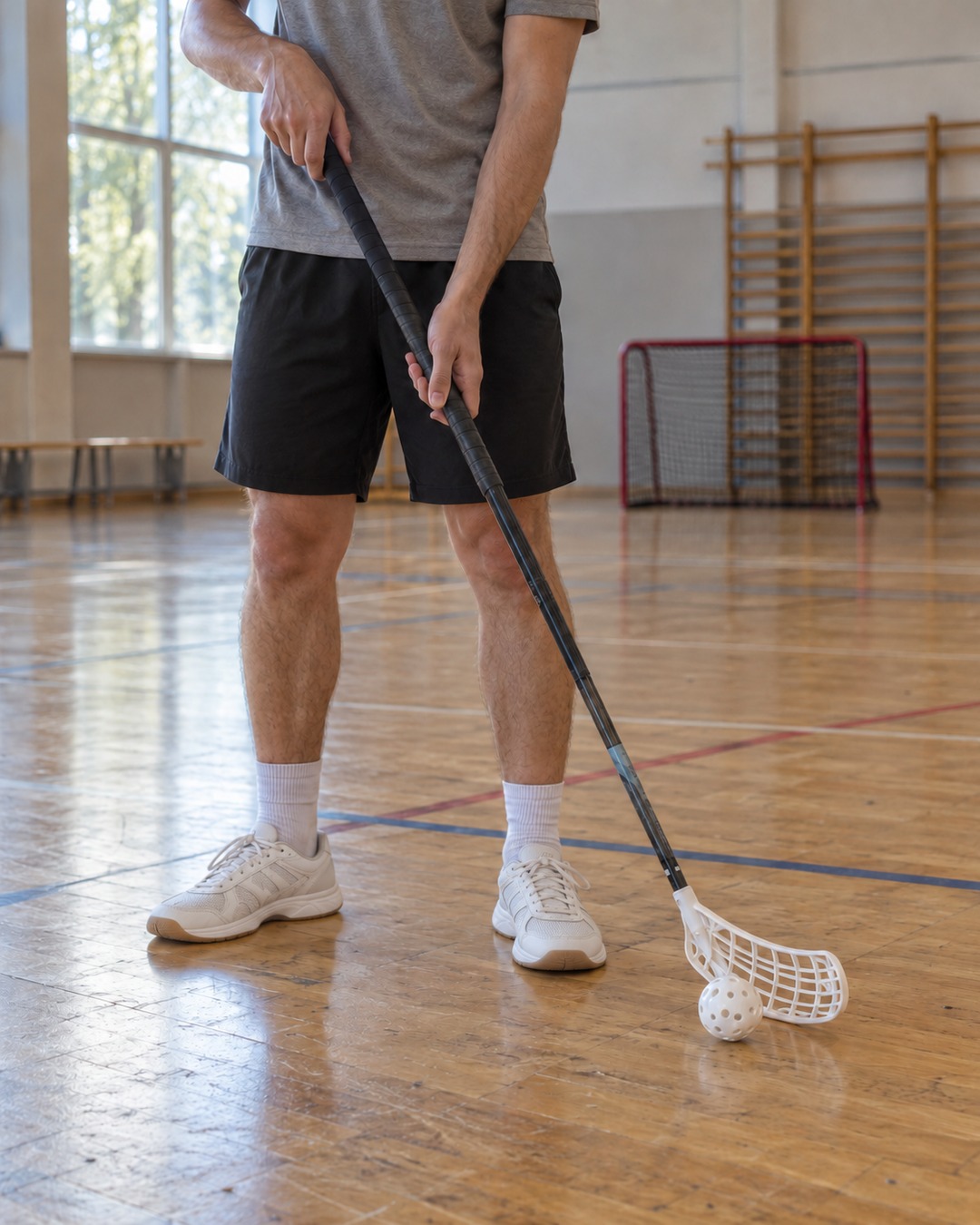
Writing with the right hand does not, by itself, identify the blade a player needs. The IFF’s Learn Start Play teaching guide describes stick side through the lower hand and the direction that feels natural, while noting that experience in other sports can influence the choice.
Ask the player to hold a suitable stick naturally with guidance from their coach. Record which hand is lower, then confirm the blade-side designation for the intended model. Salming’s blade guide explains that a lower left hand normally corresponds to a left blade, and a lower right hand to a right blade.
A team order should use a confirmed blade-side choice, rather than a guess from the player’s writing hand. If a newcomer is still unsure, mark the choice as open and resolve it before releasing that order line. Straight or ambidextrous blades require their own model check; do not assume every blade belongs to the same left/right arrangement.
Keep one player row and one configuration reference
Use a player code in the working sheet so the supplier can review the equipment requirements without needing the full team roster. Keep the code-to-name list within the club. The configuration reference should point to the agreed model and revision, with its length, blade, grip and other specified options recorded in the accompanying specification.
Copy this CSV header and blank rows into a spreadsheet. Add a row for each player, and enter the confirmed choices before counting the order. For spare or shared sticks, use a separate equipment code and explain the intended users.
Player code,Lower hand,Blade side,Configuration reference,Quantity,Confirmed by/date
,,,,,
,,,,,
,,,,,
Keep a separate open-items list for unconfirmed choices. A blank blade side or configuration reference is a decision still to make; it should not silently become the most frequently selected option.
Check the configuration sheet’s length field as well: identify whether it refers to the shaft alone or the assembled stick. Two rows with the same number but different measurement definitions are not identical configurations.
Count each confirmed configuration separately
Add quantities only when the complete configuration references match, including the blade side. A different length, grip, blade or agreed revision needs its own order line. Record spare quantities explicitly rather than hiding them inside the player total.
Hypothetical teaching example: the following is an invented 12-stick order. C1-L, C1-R, C2-L and C2-R are example configuration references that include the blade side. They are not CFW model names or claims about available specifications. The quantities do not describe a real club or a typical left/right split.
| Order line | Example configuration | Blade side | Quantity |
|---|---|---|---|
| 01 | C1-L | Left | 6 |
| 02 | C1-R | Right | 3 |
| 03 | C2-L | Left | 2 |
| 04 | C2-R | Right | 1 |
| Total confirmed quantity | 12 | ||
The total is correct only if the underlying player and spare-equipment rows agree with these four lines. Before sending the summary, reconcile both the overall quantity and each configuration subtotal. Keep any open decisions outside the released quantities.
Use the same references when the sticks arrive
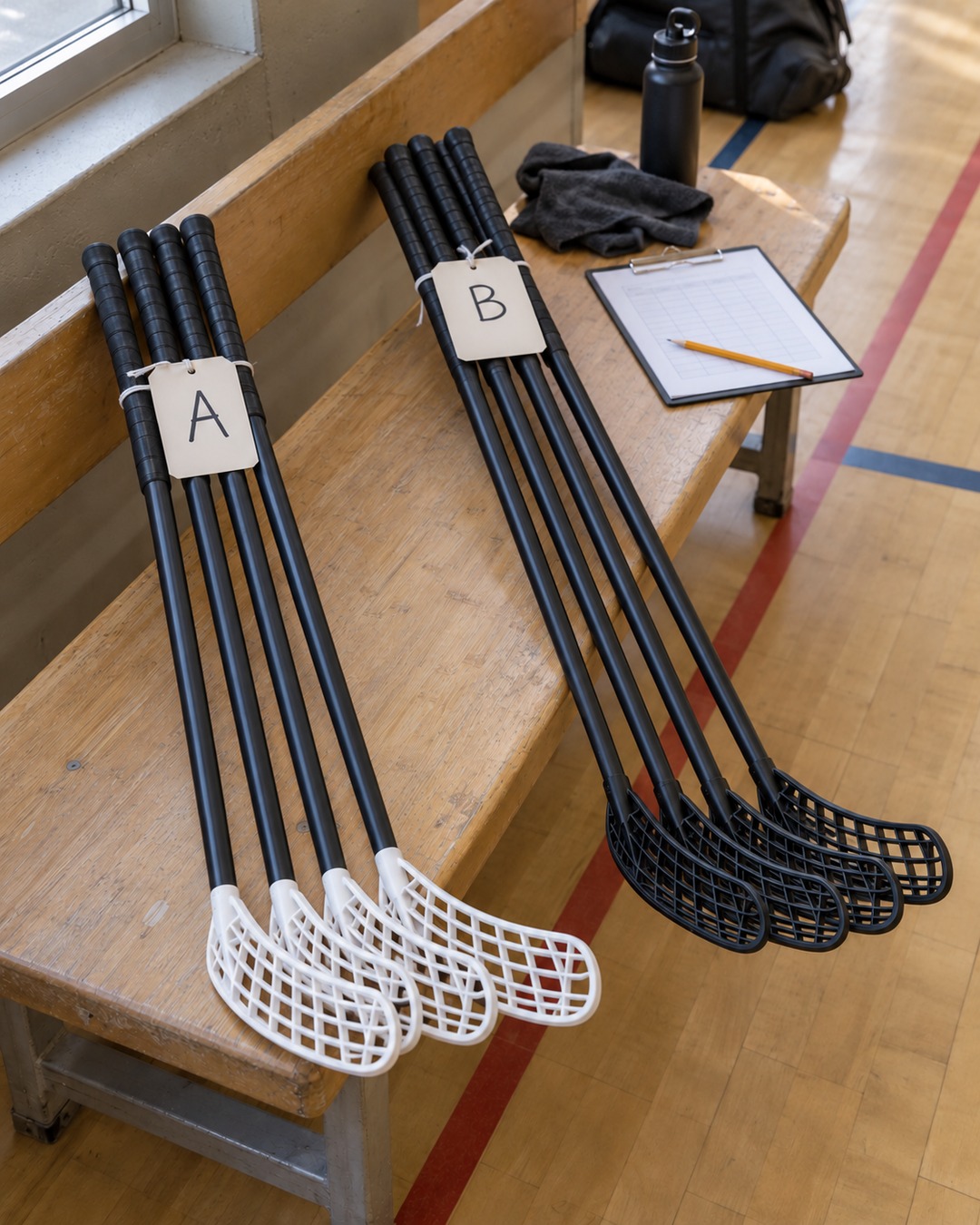
Agree how each supplied configuration will be identified before the order is finalized. At receipt, compare the order reference, blade side, configuration and quantity with the agreed documents and the physical sticks. Color alone is not a reliable configuration reference.
- Sort by confirmed order line. Keep different configurations separate while checking the delivery.
- Resolve mismatches before handout. If a label, blade side or quantity does not agree, record the discrepancy and ask the supplier to clarify.
- Match equipment to player codes. Record the assigned configuration and the handout date in the club’s allocation sheet.
If a player’s preference changes, update the allocation record and confirm a suitable configuration. A shortage is not a reason to assume that an unapproved blade swap or shaft modification will produce an equivalent stick. Model suitability and any competition requirements need separate review.
Prepare the team order for a quotation
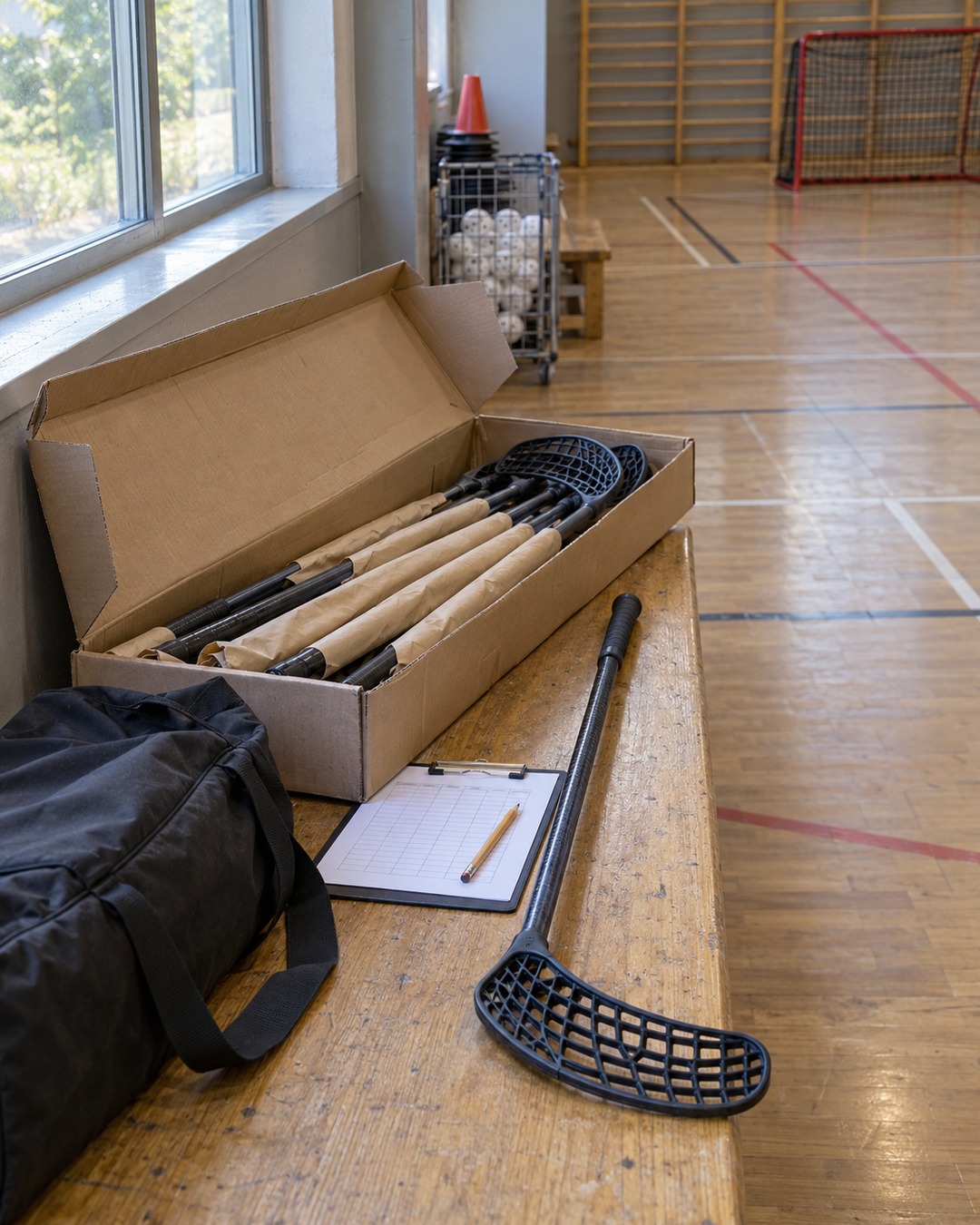
CFW’s Custom Floorball Sticks listing is a starting point for discussing shaft and blade configurations. The agreed model specification determines length, flex and handedness; this worksheet does not establish a supplied model’s performance or competition approval.
For a quotation request, include reference CFW-2767, your configuration summary and its supporting specification, quantities by blade side, intended use, delivery country and any unresolved choices. Keep individual player names out of the supplier copy.
Send your team configuration requirements through the contact page. If you have a spreadsheet or supporting file, email it to admin@carbonfiberworld.com. Configuration availability and the scope of supply are confirmed during quotation.