
Carbon Fiber CNC Files: Confirm Units and Scale Before Quoting
Confirm the geometry units and a named reference dimension, then compare the recipient's readback before releasing a carbon fiber CNC file package.

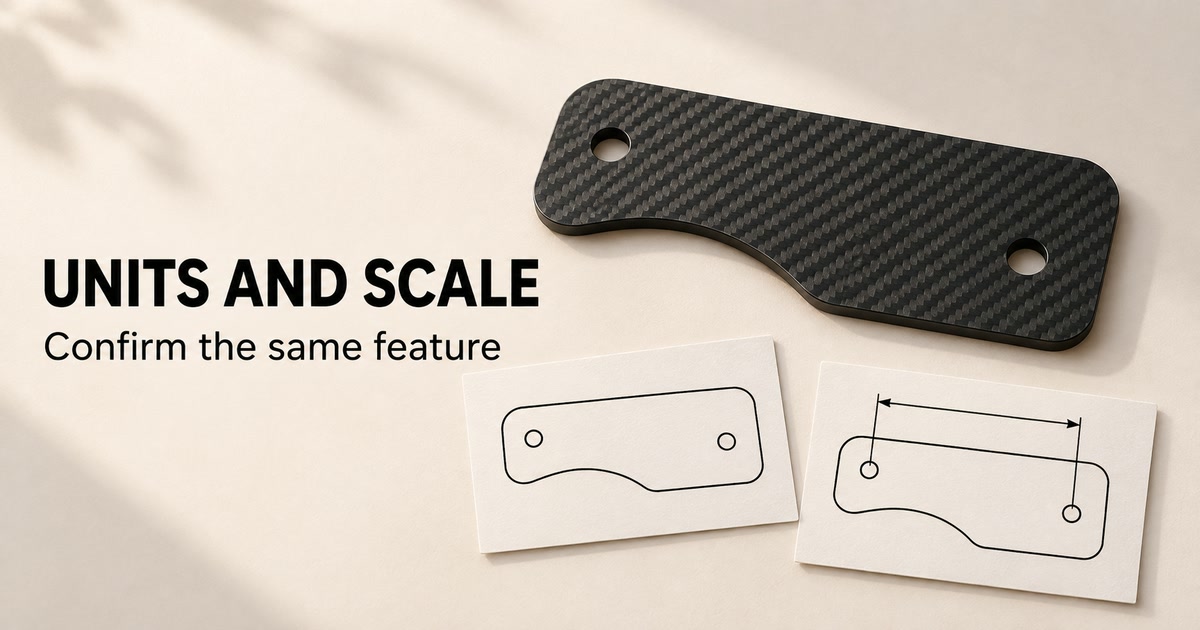
Before quoting a CNC-cut carbon fiber part, confirm the units used to interpret its geometry and check an identified dimension against the current drawing. A recognizable outline does not establish the intended physical size. If the file, drawing or recipient’s readback disagrees, keep that question open before the affected package is released.
This guide is for engineering and purchasing teams exchanging flat-profile component files. It provides a size-confirmation record, not a CAD conversion service, machining tolerance or completed inspection.
Separate geometry units from how a view looks
Identify the intended unit of the exported geometry explicitly. Do not rely on a filename, an unlabelled screenshot or the apparent size of a PDF view. Keep the dimensioned drawing paired with the geometry file, using the same part identity and released revision.
Autodesk’s Fusion Insert DXF documentation includes a Units control that scales the imported file. The practical point is that a recipient’s interpretation matters. This describes Fusion behavior; it does not establish that every DXF omits units or that CFW uses this software.
Ask which units were used for the export and which were used when receiving it. If someone proposes a conversion, ask them to identify the resulting file and show the reference dimension again. Avoid approving a change simply because the outline now looks plausible.
Ask for a named dimension, not a screen-size match
Choose a reference that both parties can identify without guessing. Mark the two endpoints or the particular feature on the controlled drawing. An overall length and a hole-center spacing are different checks; a returned number is useful only when its feature and unit are clear.
Record the intended value from the current drawing beside the recipient’s actual readback. Ask for the file revision, interpreted units and a view or written record identifying the checked feature. Leave the readback blank until it has been provided. A guessed value is not evidence.
The US manufacturing provider SendCutSend’s file checklist requires its files at full size in inches or millimeters and asks customers to confirm overall dimensions in its preview. These are that provider’s instructions. They support a size-checking practice, not a statement about CFW’s accepted formats or an online upload system.
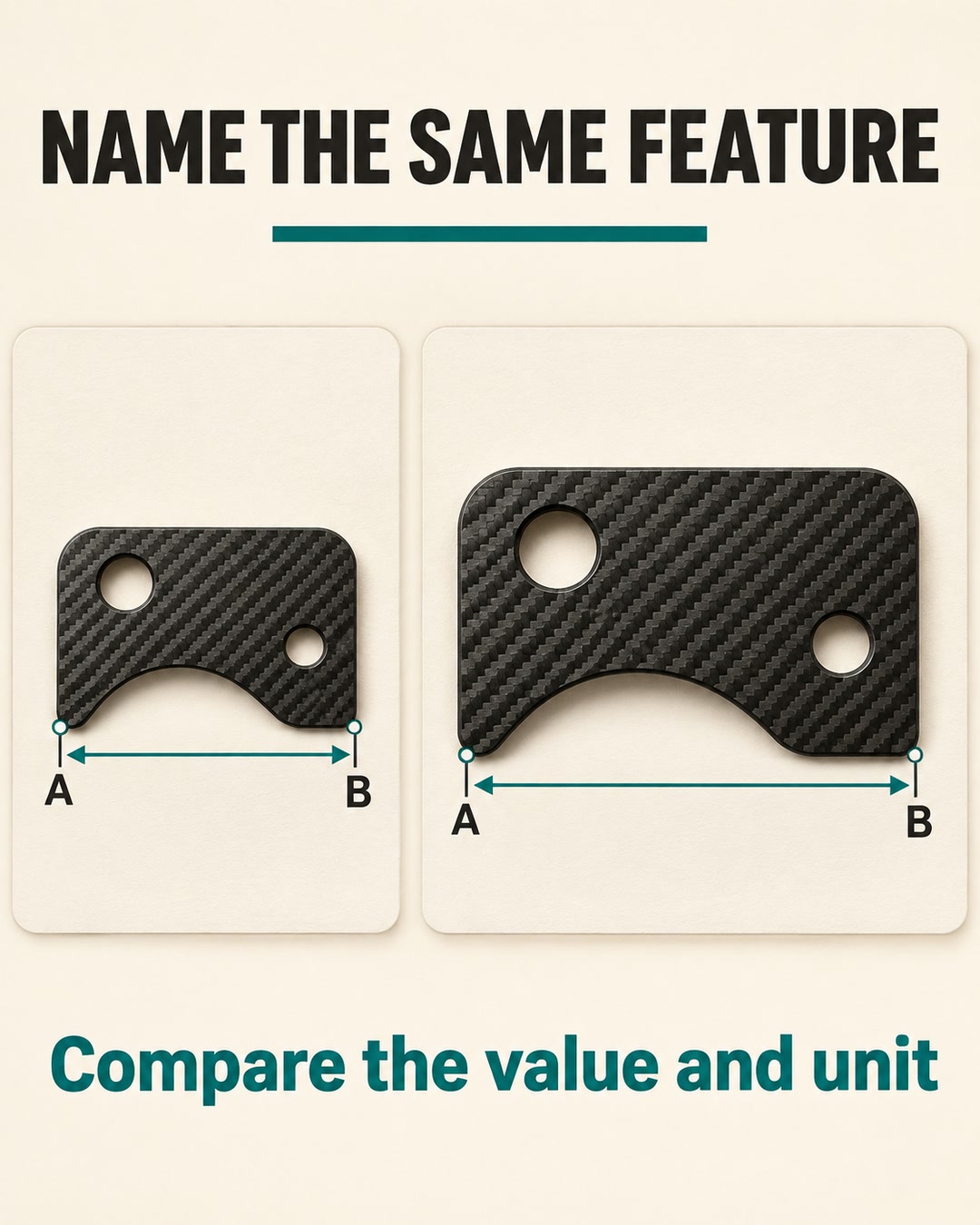
Resolve a conflict before approving the file package
When the units are missing, request them. When the units are stated but the named dimension differs, first check the part identity, revisions, feature definition and interpretation. Refer any design change to the responsible drawing owner. Do not silently resize a file to make one number match.
A matching reference dimension is a limited scale sanity check. It does not verify every hole, contour, tolerance or face requirement. For feature definitions, use the separate hole, countersink and insert specification guide. Keep the agreed manufacturing and inspection requirements with the drawing.
Consider a hypothetical exchange: the buyer names an overall length, while the recipient replies with an unlabelled screenshot and says the part looks correct. Keep the size-confirmation item unresolved. Ask for the actual value and unit for that same feature, then record the explanation of any difference before release. No particular correction factor is implied.
Use one CAD size-confirmation record
Adapt this original blank record to the enquiry. It joins the intended size, recipient interpretation and release decision in one place. It is not a completed measurement report or a requirement to use a particular software package.
| Field | What to record |
|---|---|
| 1. Controlled identity | Part number; geometry filename and revision; dimensioned drawing filename and revision. Entry: __________ |
| 2. Units interpretation | Declared export units and recipient import units; software/version if supplied. Entry: __________ |
| 3. Reference feature | Named endpoints or feature and the drawing/view reference that locates them. Entry: __________ |
| 4. Intended value | Required value and unit from the current drawing, with its reference. Entry: __________ |
| 5. Recipient readback | Actual imported value and unit for the same feature; supporting view or written evidence. Entry: __________ |
| 6. Comparison and action | Consistent, conflicting or insufficient evidence; explanation, open question and responsible clarifier. Entry: __________ |
| 7. Released package | Agreed filenames/revisions, decision owner and dated approval reference. Keep unresolved files on hold. Entry: __________ |
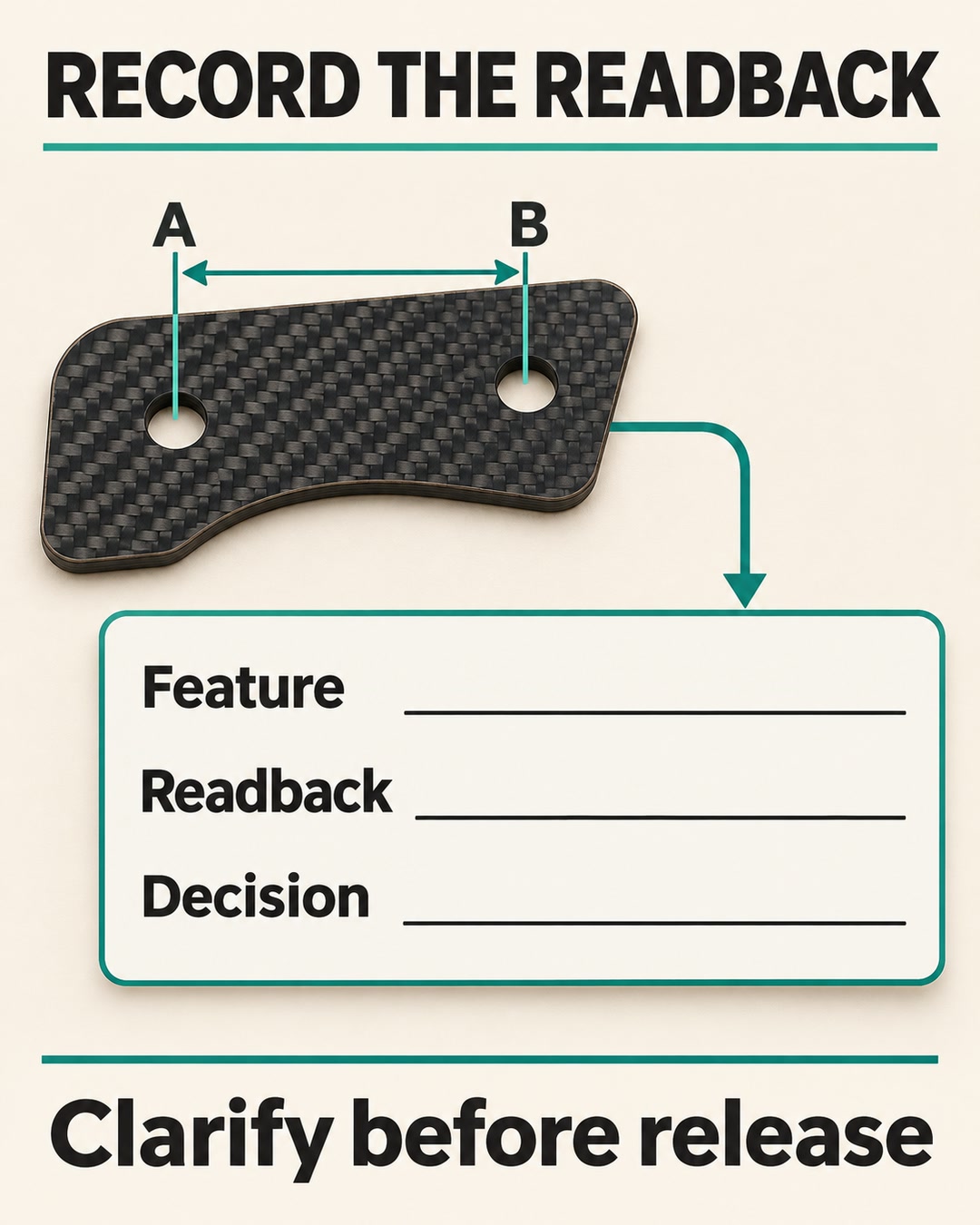
Carry the clarified size into the CFW enquiry
The CFW-2795 custom CNC-cut parts reference covers drawing-led flat profiles in carbon fiber laminate. Its current description asks buyers to identify revisions, thickness, critical features, edge requirements and quantities. The agreed drawing defines the component; the gallery does not identify one dimensioned SKU.
Include the paired files, declared units, marked reference feature, material and thickness requirements, quantity and destination. Identify any unresolved size question and ask CFW to confirm the proposed supply and documentation scope. This article does not promise automatic file validation or acceptance of a particular CAD format.
Start a CFW-2795 enquiry with the size-confirmation record. Identify the drawings in your message; the contact page directs CAD files to admin@carbonfiberworld.com. Once the package is clarified, use the returned-quotation comparison guide to evaluate what each offer includes.
Product and source information checked November 3, 2026. This guide and blank record are original editorial synthesis, with no first-party file-conversion tests or inspection results. Illustrations are AI-generated editorial concepts, not exact CFW models, actual CAD screenshots or evidence of size, fit or approval.